Features for structured, evidence-based assessment.
Phoenix51 connects role requirements, assessment activities and candidate evidence. Use it for structured hiring and employee development, with a record that your team can review.
Digital behavioural & competency frameworks
Define the skills and behaviours required for a role. Connect interview questions and assessment tasks to those competencies, then record observations and scores against the agreed criteria. Reusable frameworks help teams maintain a consistent starting point.
Discuss this feature →Virtual assessment centres
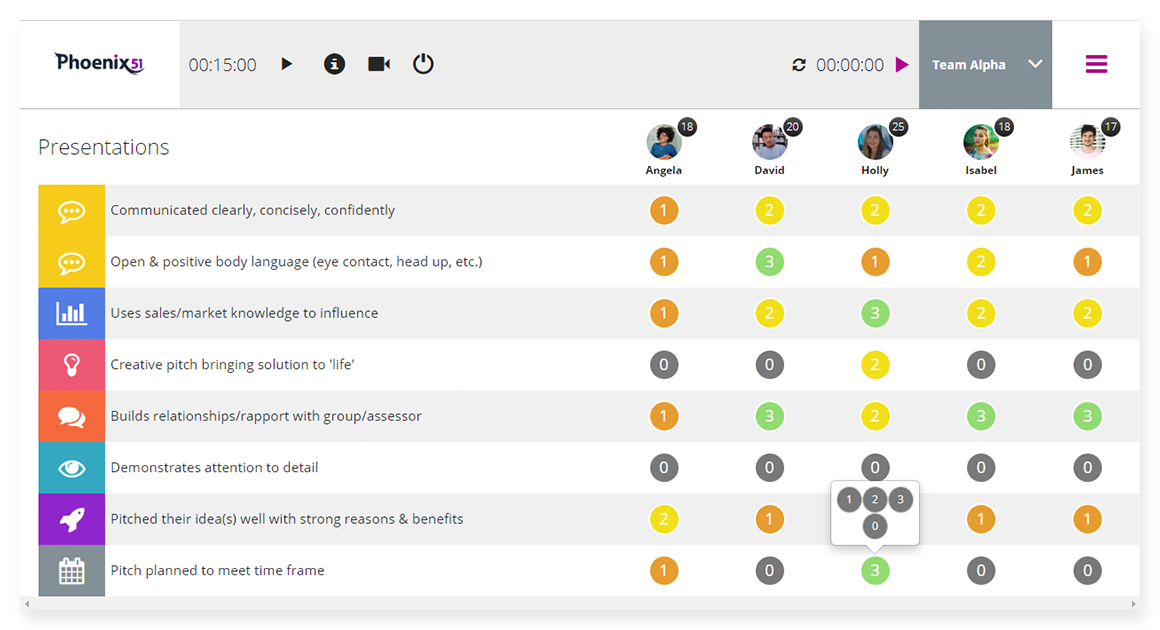
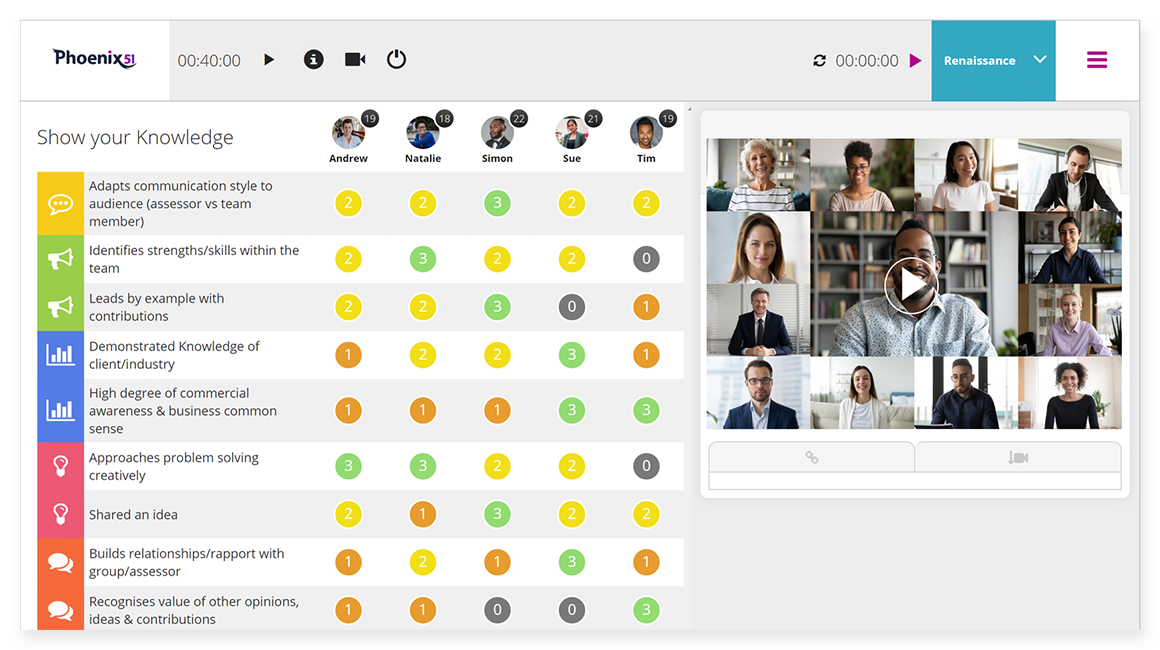
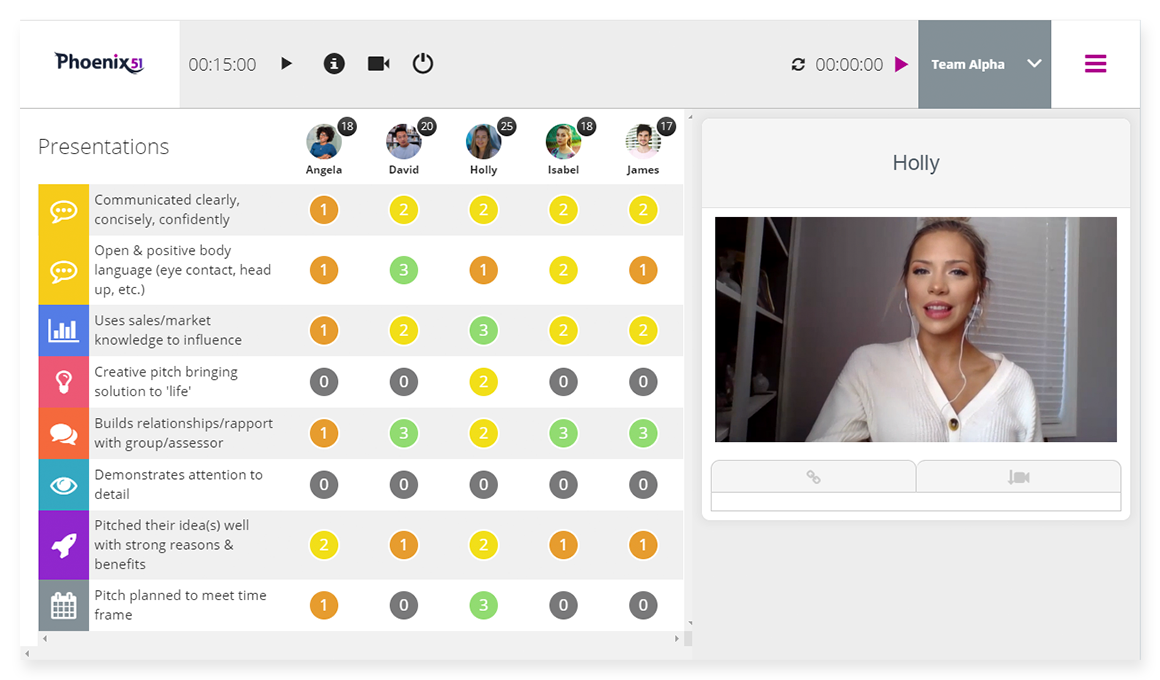
Organise assessment stages and role-relevant exercises for candidates in different locations. Use video, tasks and assessor scoring as parts of the process, with clear instructions and responsibilities agreed beforehand.
Discuss this feature →Psychometric assessment results
Phoenix51’s published feature information describes using results from instruments such as VIA and NEO to inform interviews or development. Discuss which instruments are appropriate, how results are accessed and any separate provider or licence charges.
Discuss this feature →Video integration
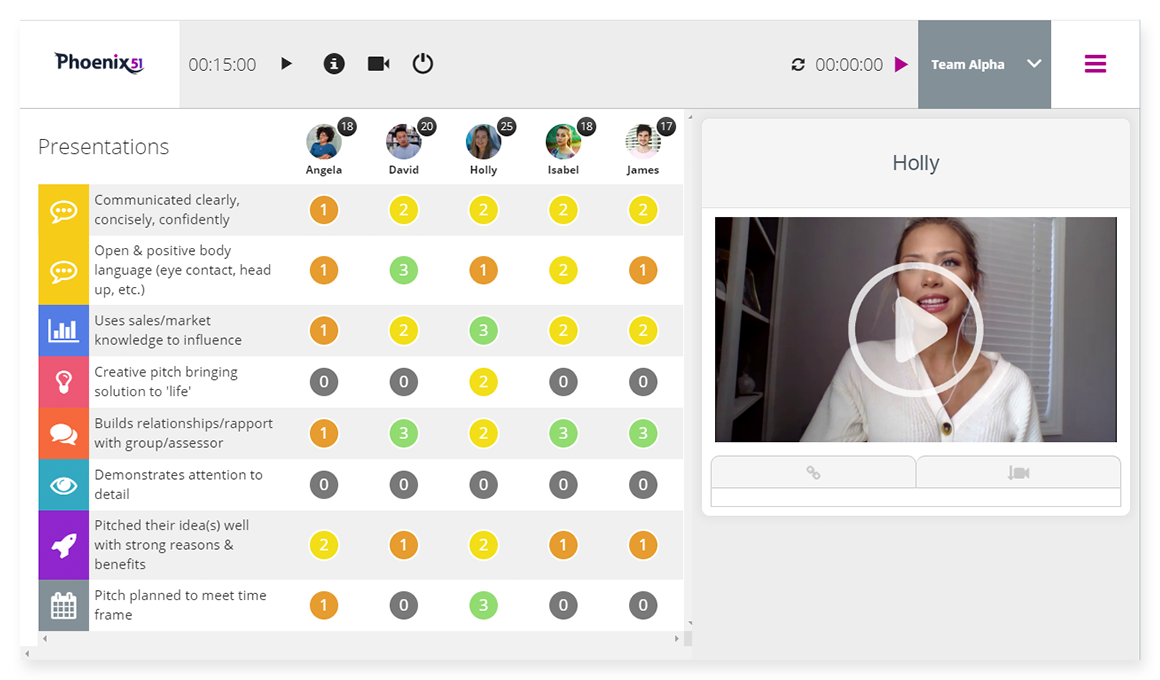
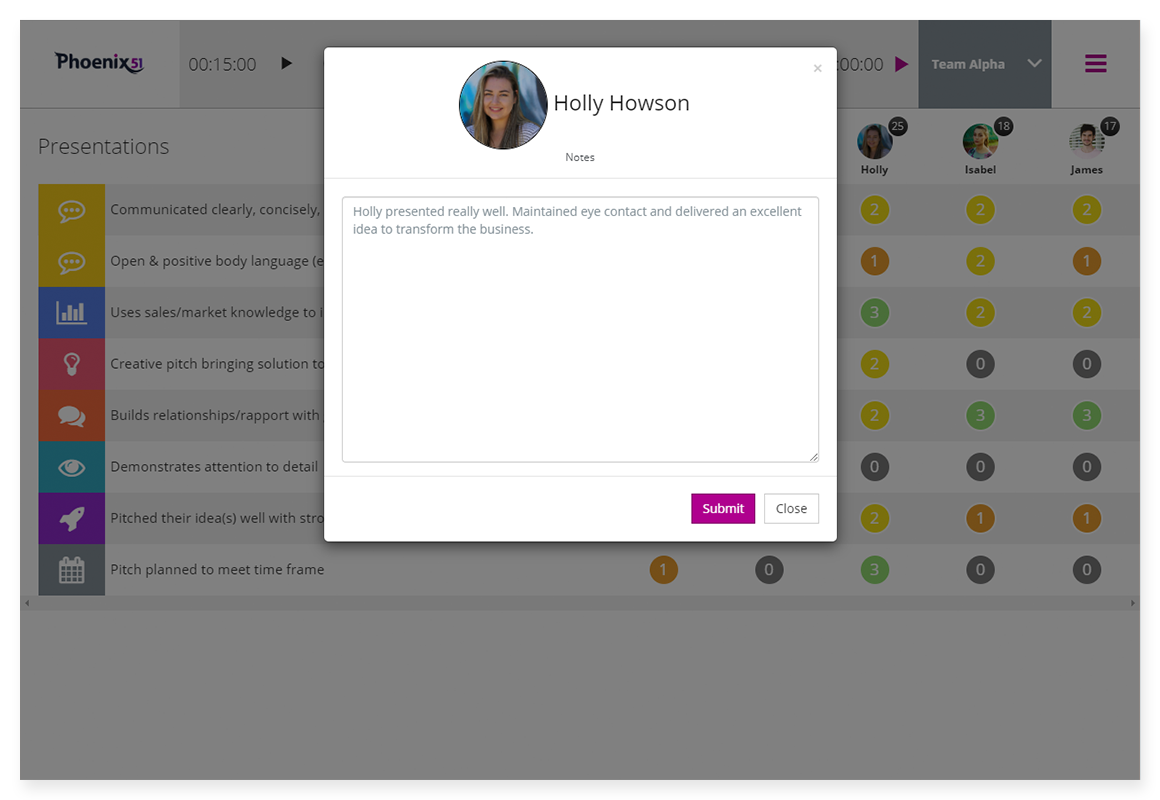
Use video interviewing and solo video tasks within the assessment workflow. Review the available recording, moderation and candidate settings when setting up the process, so the evidence gathered matches its intended use.
Discuss this feature →Data analytics & reporting
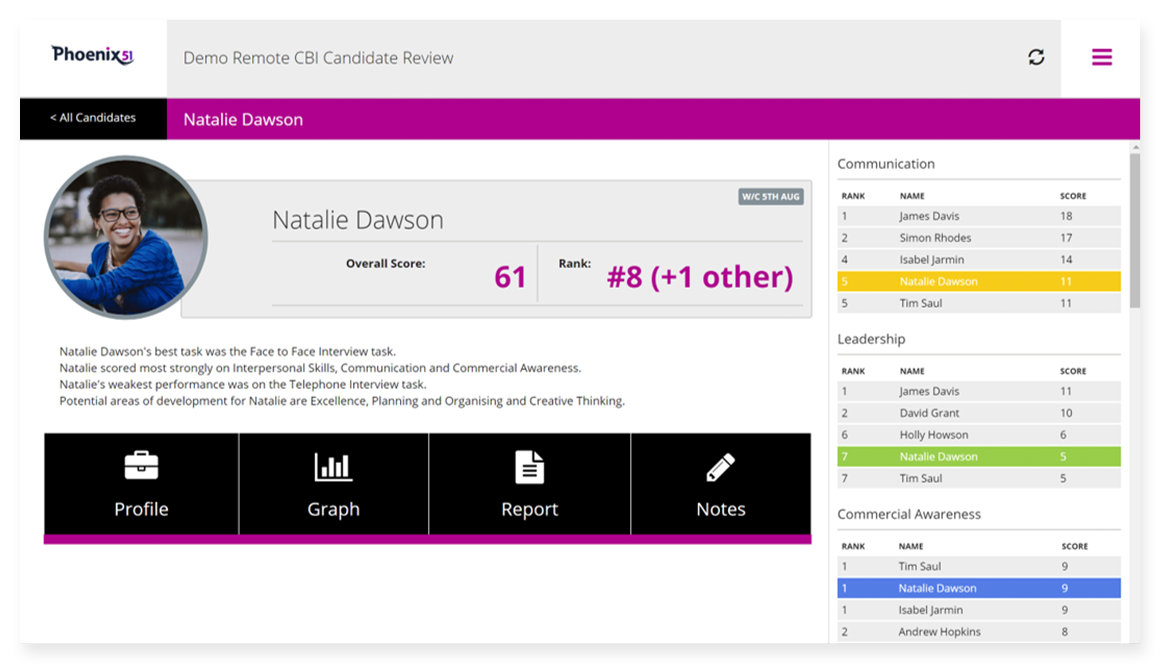
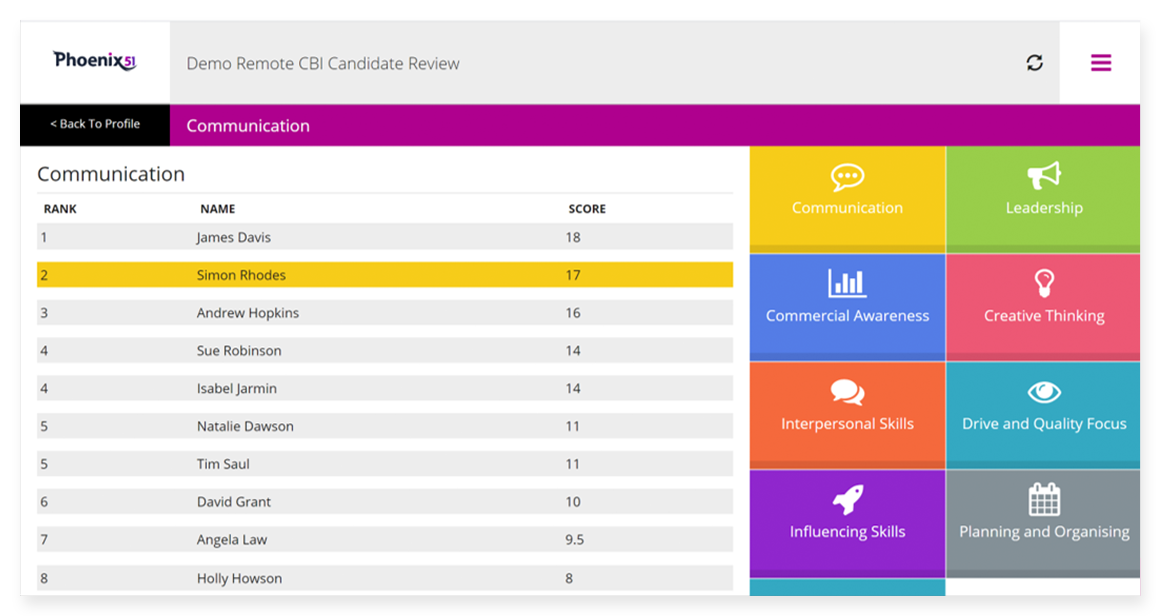
Bring candidate scores and observations together across assessment stages. Review individual performance, competency breakdowns and comparisons to identify where the evidence is strong and where the team needs further review.
Discuss this feature →Organisational reviews
Use defined criteria, observations and scoring to document skills and development needs during an organisational review. If the work concerns redundancy or redeployment, the employer still needs an appropriate process and professional advice; assessment software does not determine legal fairness.
Discuss this feature →Live assessment
The platform’s published functionality includes laptop and tablet use for face-to-face assessment and call-listening. Assessors can capture observations against the same framework used for other stages, helping the review stay connected to the role.
Discuss this feature →Frequently asked questions
What is a competency framework in Phoenix51?
A competency framework sets out the skills, behaviours or other role requirements you want to assess. Phoenix51 connects those competencies with assessment tasks, observations and scoring so candidates can be reviewed against consistent criteria.
Can Phoenix51 support virtual assessment centres?
Yes. Phoenix51 supports structured assessment stages and tasks, video interviewing and candidate scoring for remote assessment. Your team defines the exercises, assessor responsibilities and evidence needed for the role.
Does Phoenix51 offer psychometric testing?
Phoenix51’s published feature information describes using psychometric results, including VIA and NEO, within assessment and development. Confirm the specific instrument, access arrangements and any additional fees for your programme.
Can assessments also take place face to face?
Yes. The published platform information describes laptop and tablet use for live assessment, including interviews and call-listening. Assessors can record their observations and scores as part of a structured process.
Does structured scoring remove all hiring bias?
No assessment tool can guarantee a bias-free decision. Consistent criteria and recorded evidence help teams examine their reasoning, but the quality of the tasks, assessor training and human review still matter.